
Quick Start
The fastest way to get started with THAKI Agent Platform. In about 5 minutes, you can start chatting with your first AI agent.
1. Login
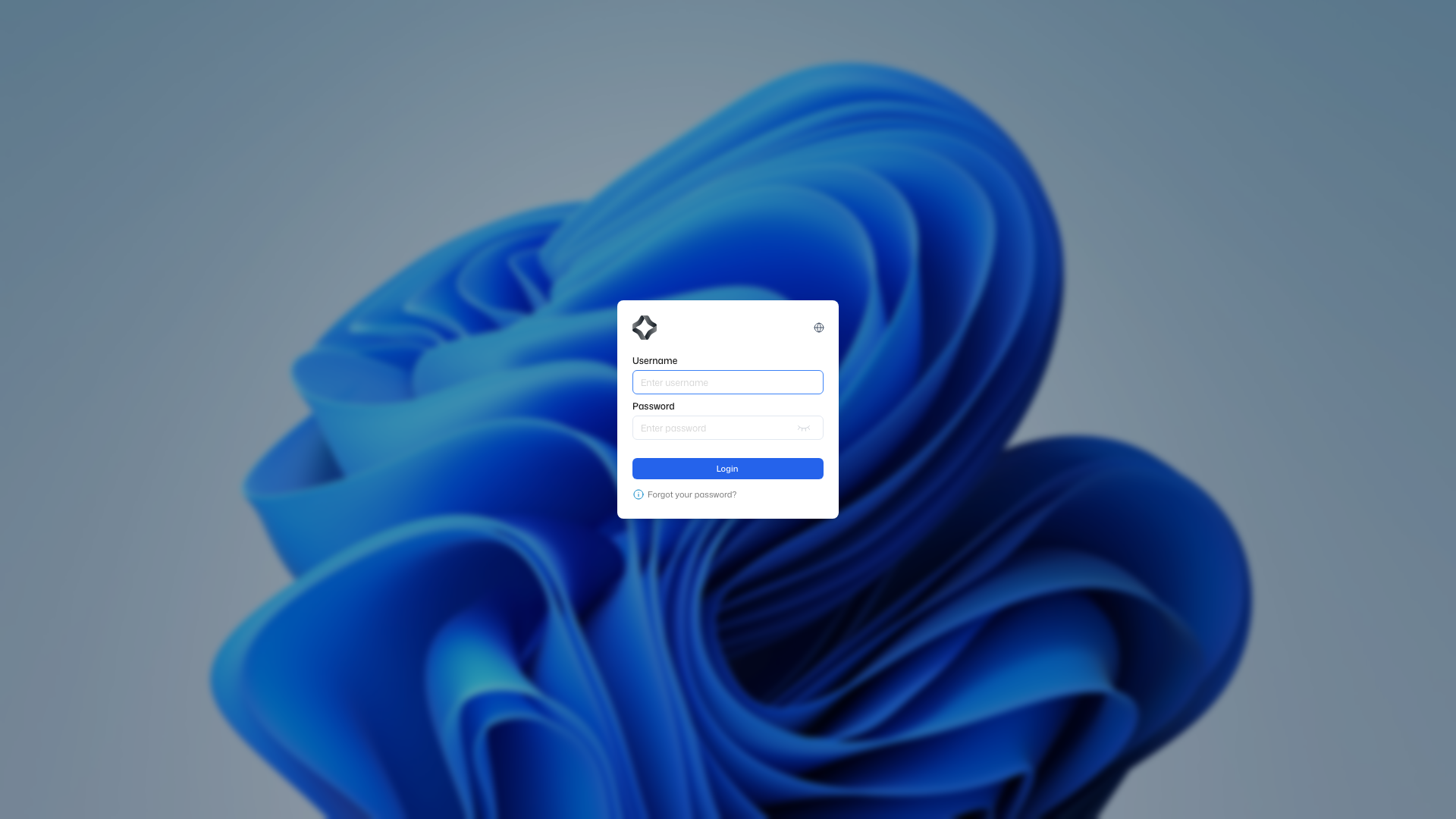
Access the Suite platform and log in.
- Go to https://suite.thakicloud.net/
- Log in with your credentials
Don't have an account?
Contact your administrator to request account creation.
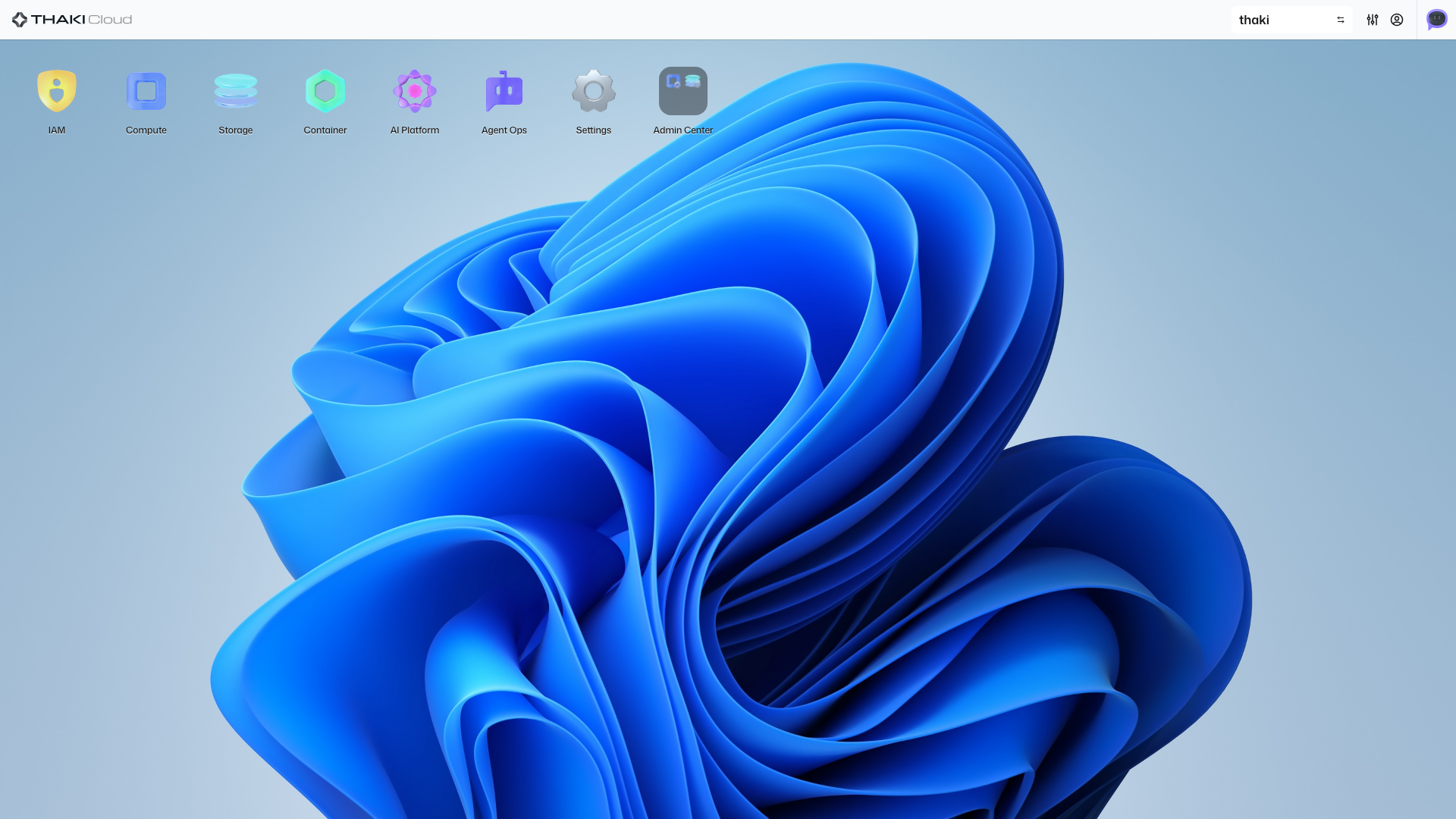
2. Enter AgentOps
After logging in, click the AgentOps icon in the left sidebar.
3. Create Project
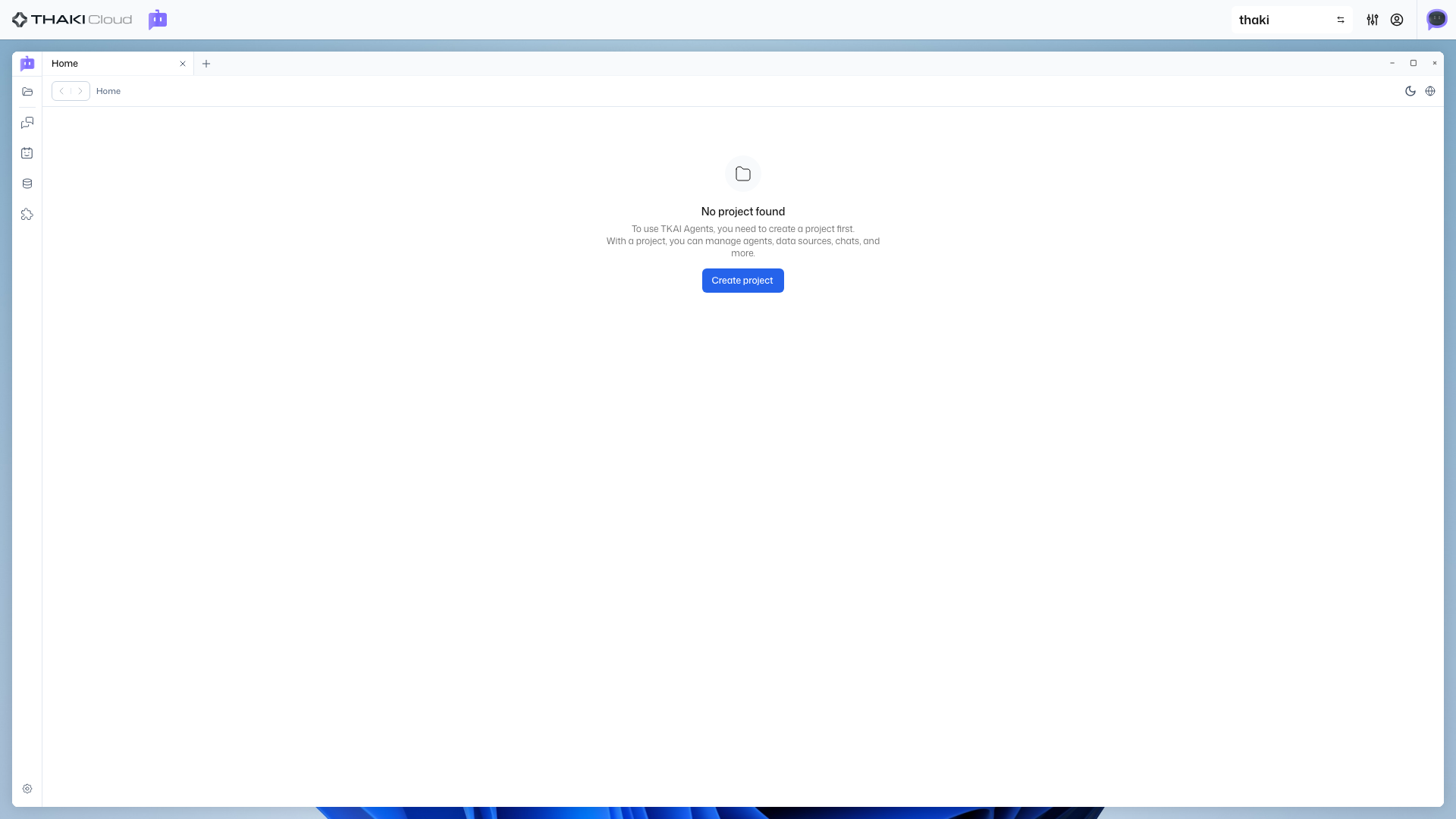
When you first access, there are no projects. You need to create a project first.
- Click the Create Project button
- Enter a project name (e.g.,
My First Project) - Click the Create button
What is a Project?
A project is a unit that groups agents, data sources, and MCP servers. You can separate and manage projects by team or purpose.
4. Create Agent
Once the project is created, you can now create an agent.
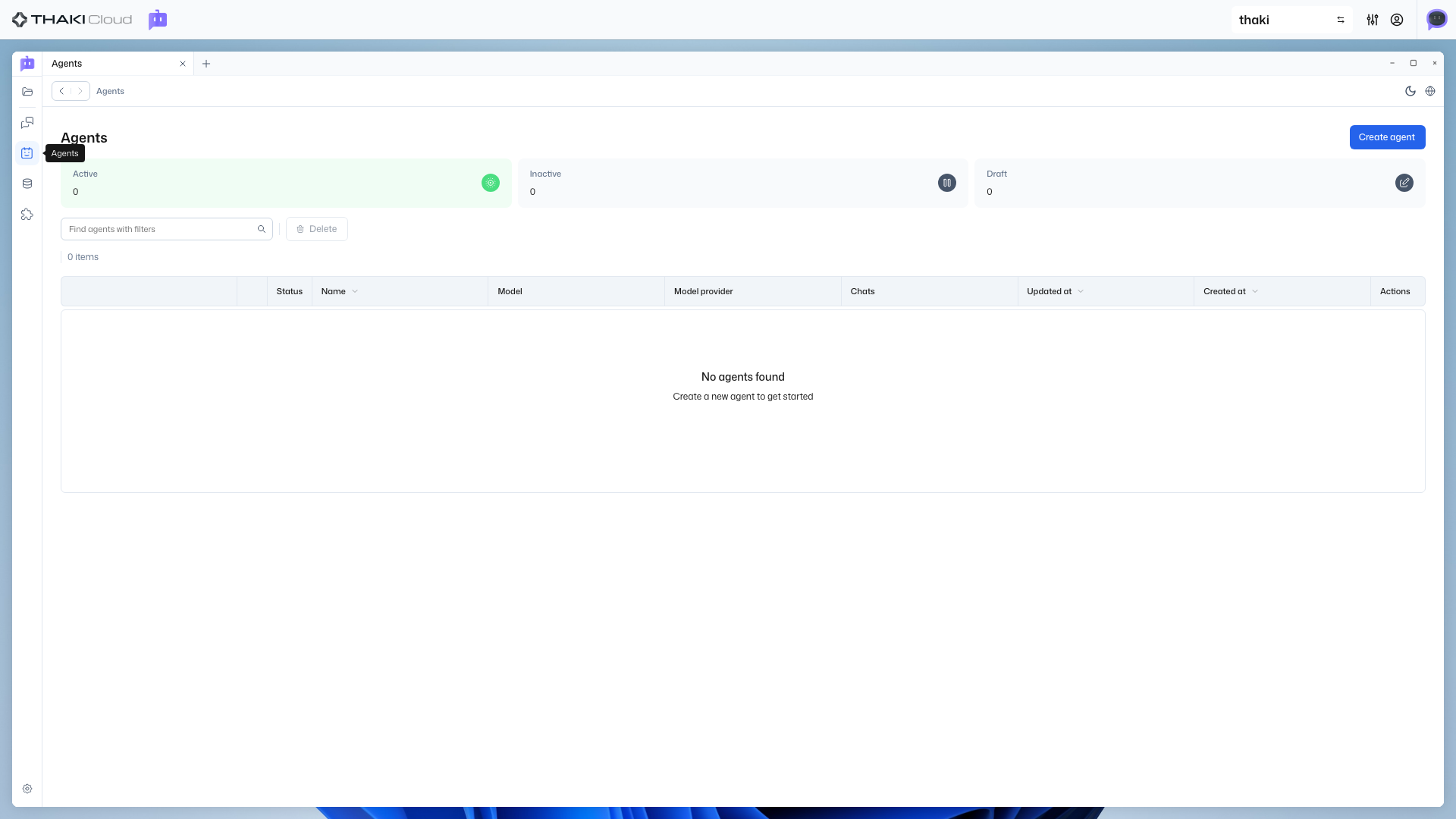
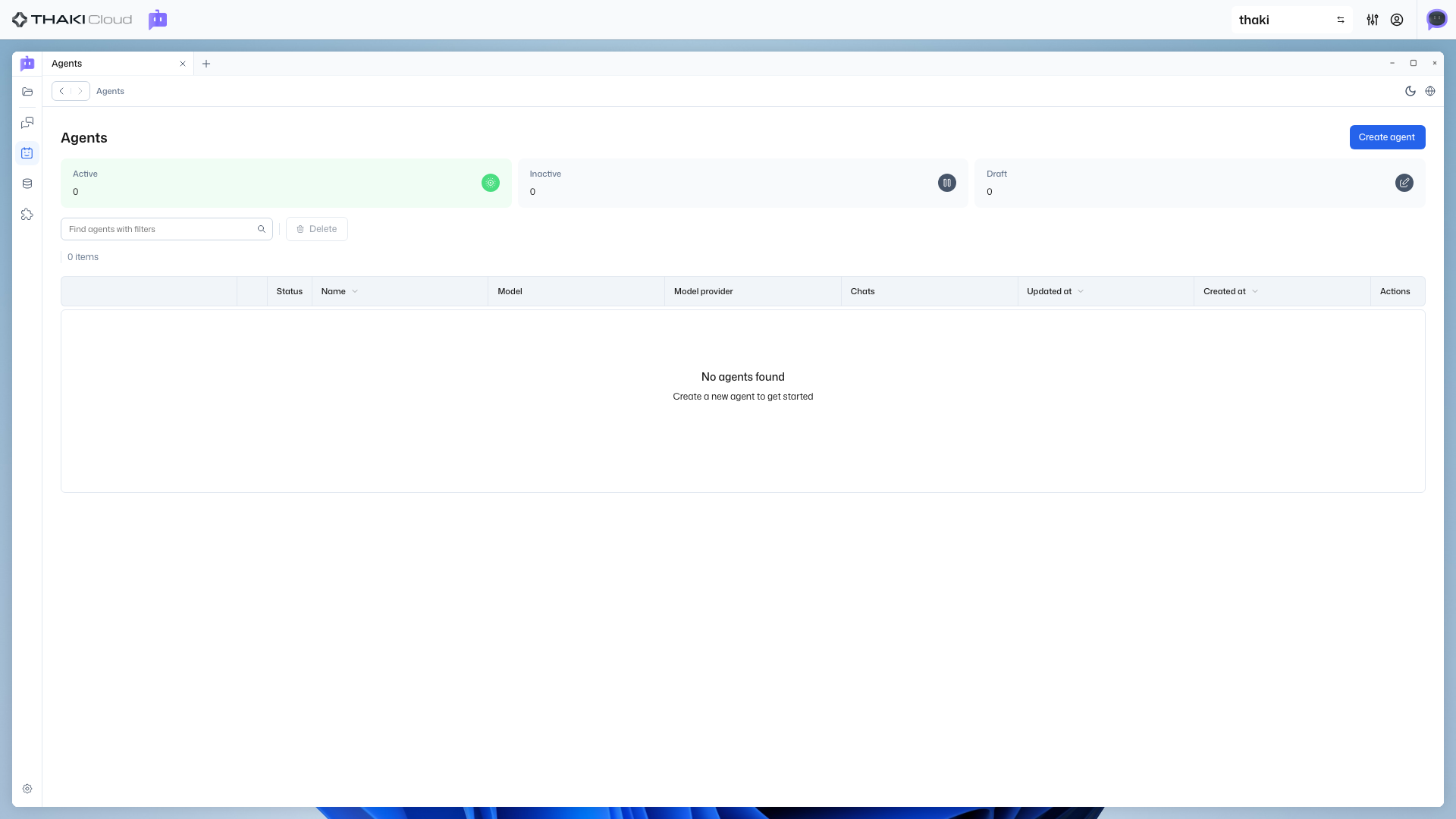
4.1 Navigate to Agent List
Click the Agent tab in the left sidebar.
4.2 Create Agent
- Click the Create Agent button
- Enter an agent name (e.g.,
My First Agent) - Click the Next button
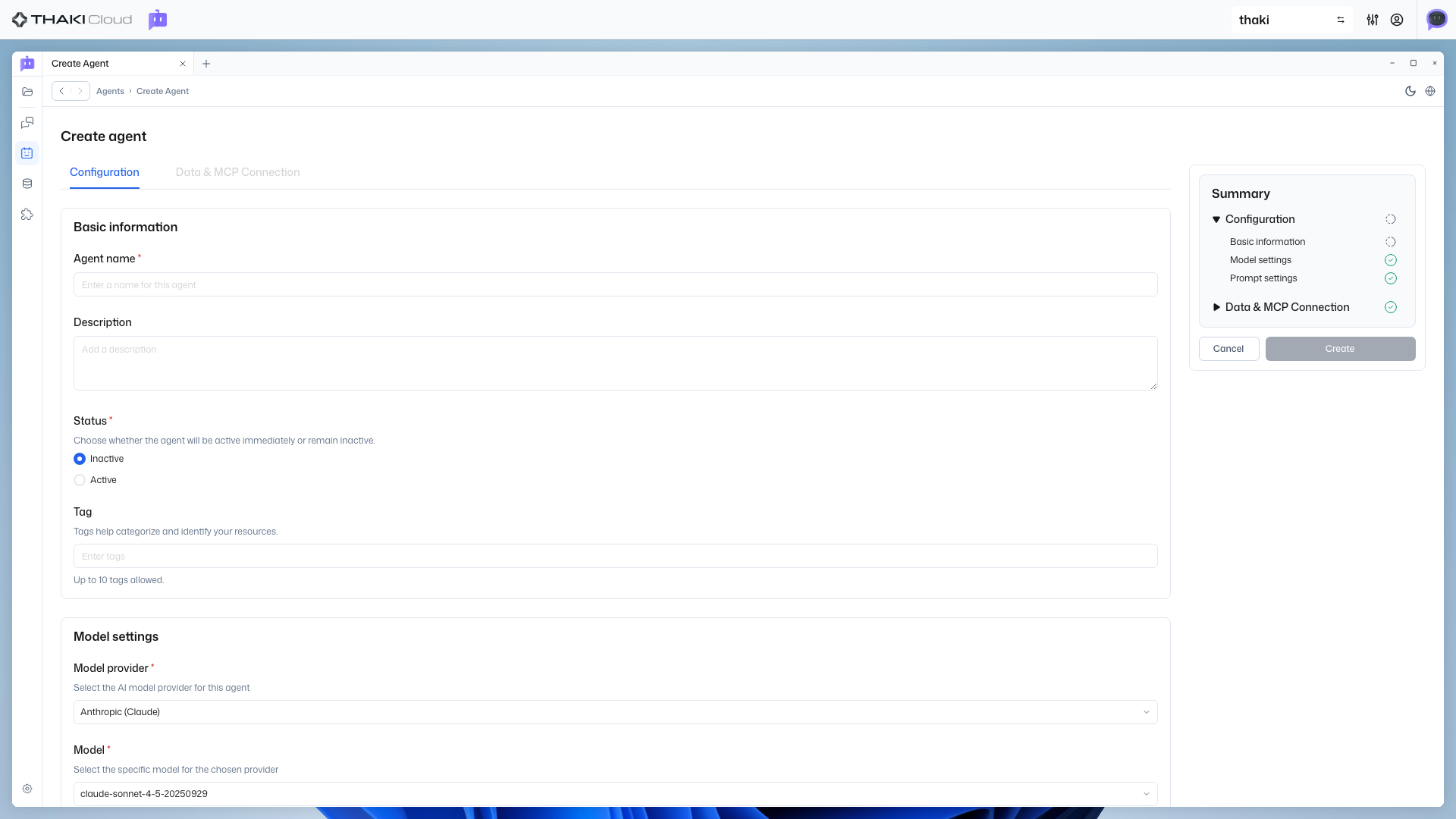
4.3 Select MCP/Data Sources (Optional)
You can select MCP servers or data sources. For quick start, you can skip this step.
- Select items as needed or skip
- Click the Create button
You can add them later
MCP and data sources can be added or changed anytime after agent creation.
5. Activate Agent
After the agent is created, you'll be taken to the detail page. You need to activate the agent to use it.
- Click the Activate button on the detail page
- Verify the status changes to
Active
6. Start Chatting
You're now ready to chat with your agent!
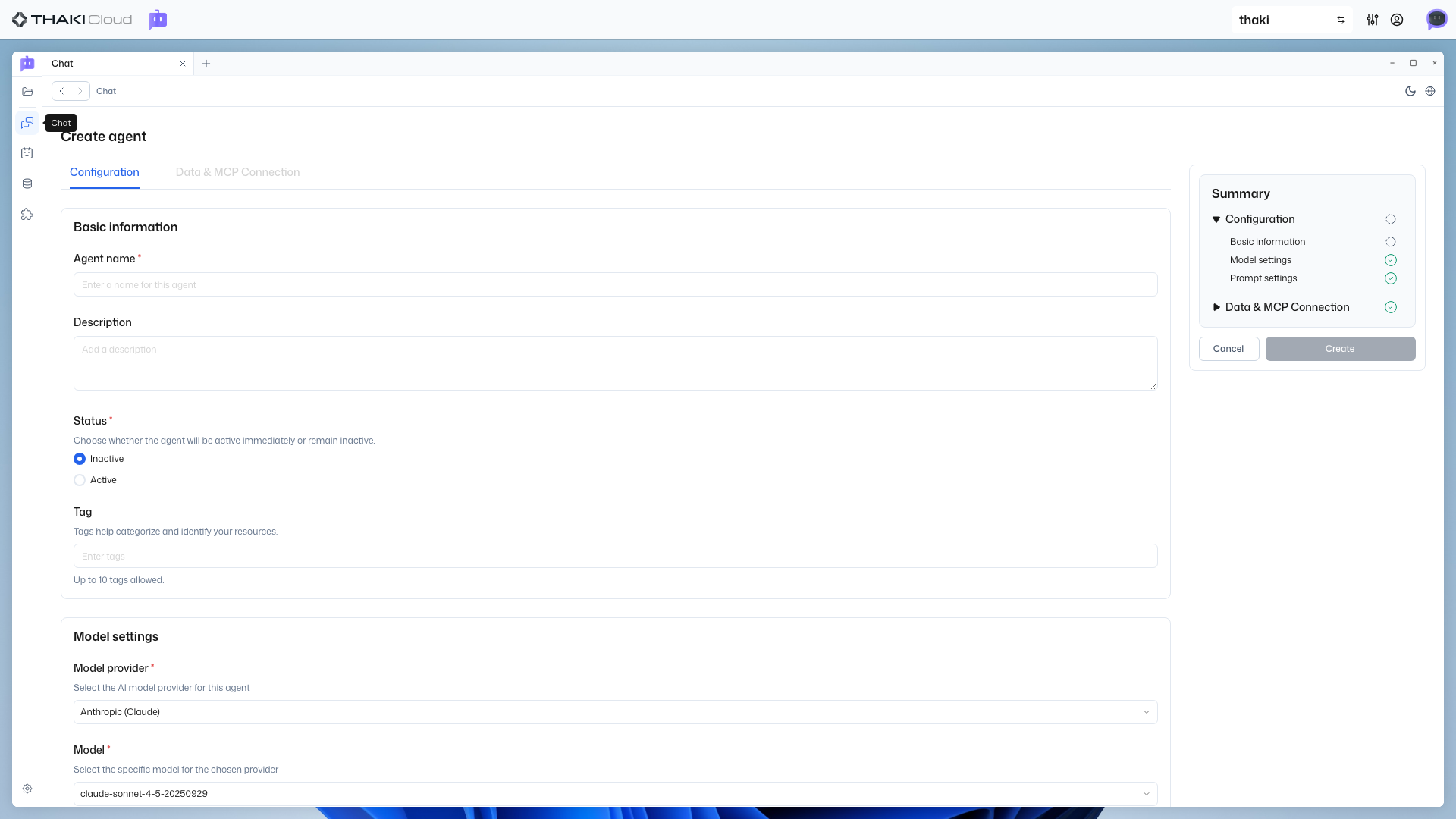
6.1 Navigate to Chat Page
Click the Chat button in the left sidebar.
6.2 Select Agent
Activated agents are displayed as cards.
- Click on the agent card you want to use
- When the drawer opens, click the Start Chat button
6.3 Chat
Enter messages in the chat screen to converse with your agent.
Hello! How can I help you?Congratulations! 🎉
You've started chatting with your first AI agent. Now explore DataSource Management or MCP Installation to extend your agent's capabilities.
Next Steps
- Project Management - Create, configure, and delete projects
- Agent Management - Modify and manage your agents
- DataSource Management - Create data sources and add knowledge to your agent
- MCP Installation - Connect external tools to your agent
- Chat Guide - How to effectively chat with your agent
- Troubleshooting - Common issues and solutions